
Original:

With watercolor layers added:

Original:
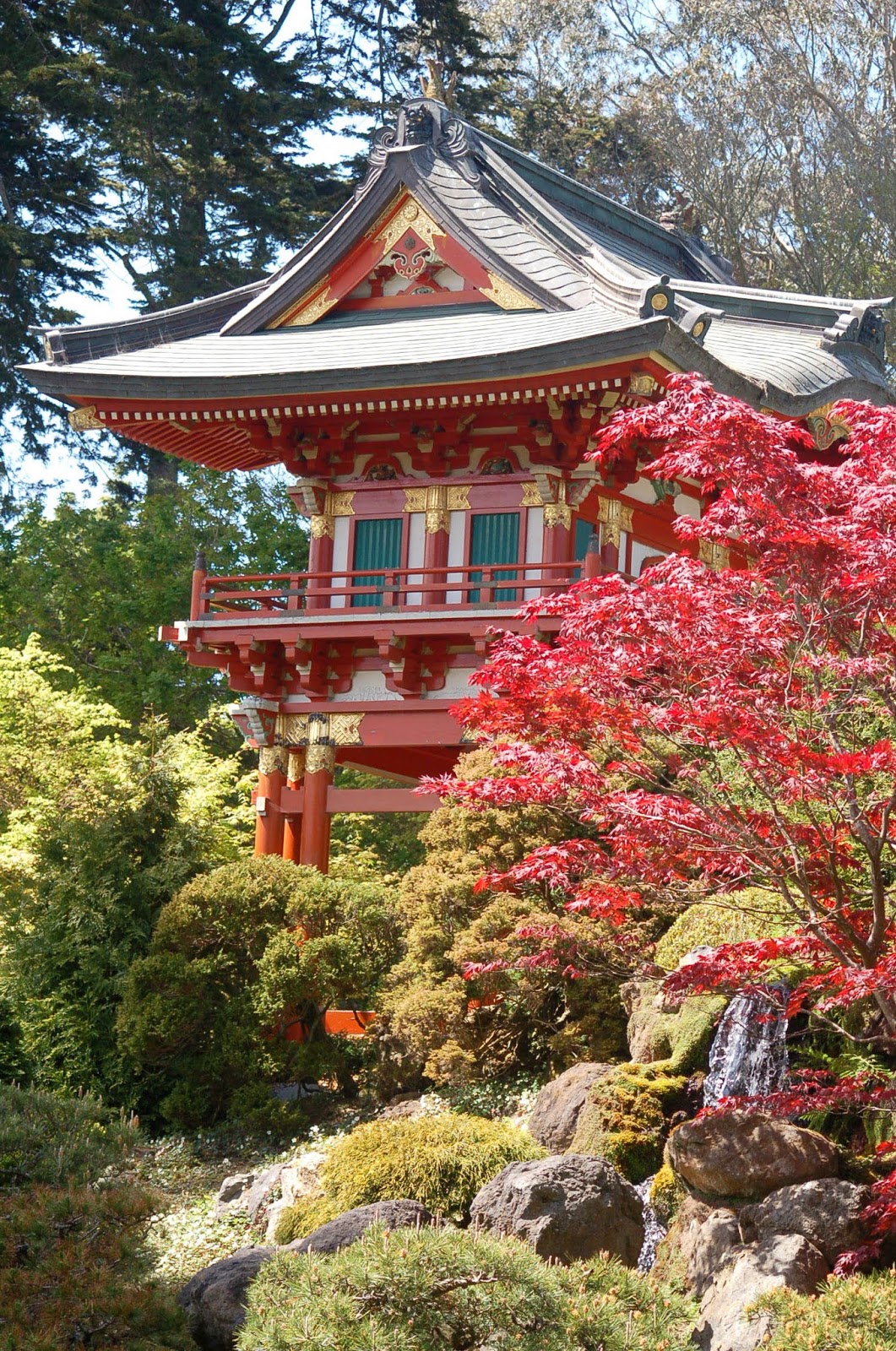
After watercolor effects added:

Although I quite liked the rose result, I don't like this second version as much - it feels a little too "paint by the numbers", so I think the success of this treatment will vary with the subject. The instructions provided are clear and easy so give it a try on some of your images and see what you think.
